

Yallapp Studio: design your app freely
Yallapp Studio is a space of its own in your account for projects you design element by element: rows, columns, layers, pictures, buttons and lists in cards you design, with colours for light and dark mode and motion. What you design is drawn natively in your Android and iOS app, not shown as a web page. Studio also makes project types only it offers, like a delivery company's app with its couriers.
Open it from Yallapp Studio in your dashboard's menu. Its first page, Your projects in Studio, lists your Studio projects, apart from your regular apps.
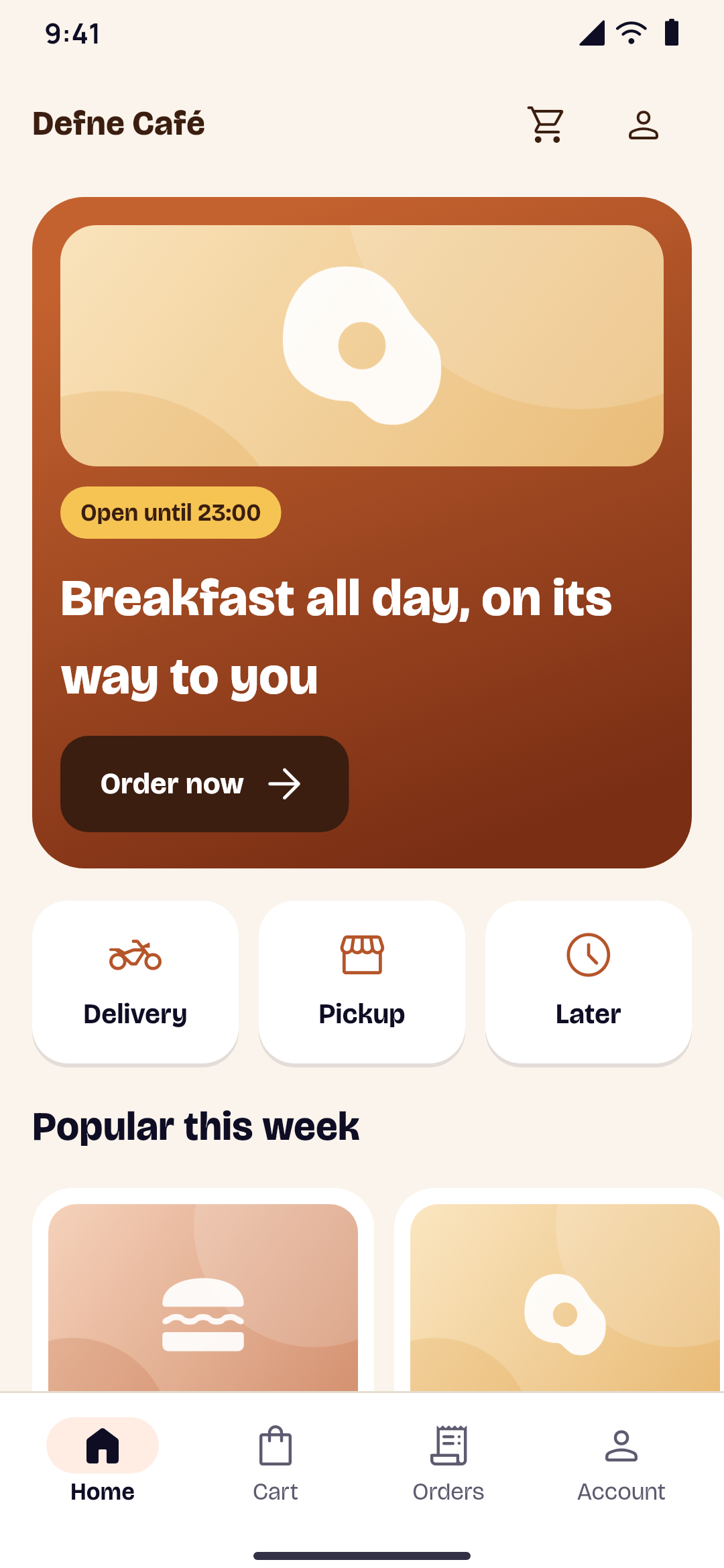
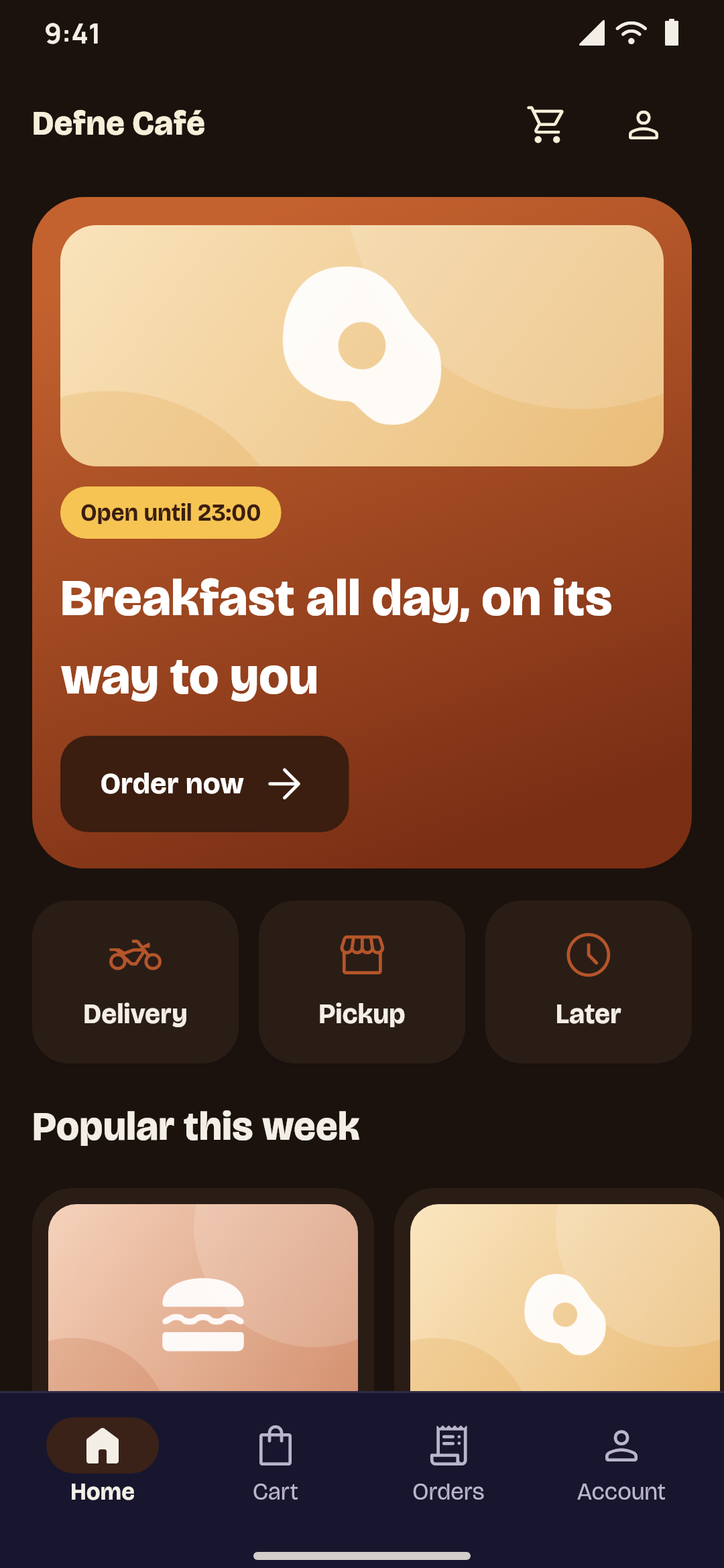
Regular apps and Studio projects
- Pages: regular apps use the page editor, with its blocks and ready-made designs. Studio projects use the Studio editor, where any element goes anywhere.
- Kinds of apps: Studio makes every kind of app Yallapp makes, and the project types only Studio offers, like delivery companies.
- Plans: they're separate. A regular app is paid on a regular plan (Starter, Growth, Pro or Business), and a Studio project on one of Studio's own plans.
- In your account: your regular apps stay in the dashboard; your Studio projects are in Studio, each with its own dashboard.
Building, the setup steps and publishing on the app stores work the same way for both.
Making a project
Choose New project. It takes three steps:
- Project type: what your project is. Studio projects only come first, then every kind of app.
- Content source: where its content comes from, as for a regular app of the same kind. Delivery companies have no website: their shipments, couriers and prices are set in the project's dashboard.
- The start: a template made for your kind of project, or a blank page, and your project's name.
The project's dashboard opens, with the same pages as a regular app of its kind. You can design and try before you choose a plan. Publishing needs one of Studio's plans.
The Studio editor
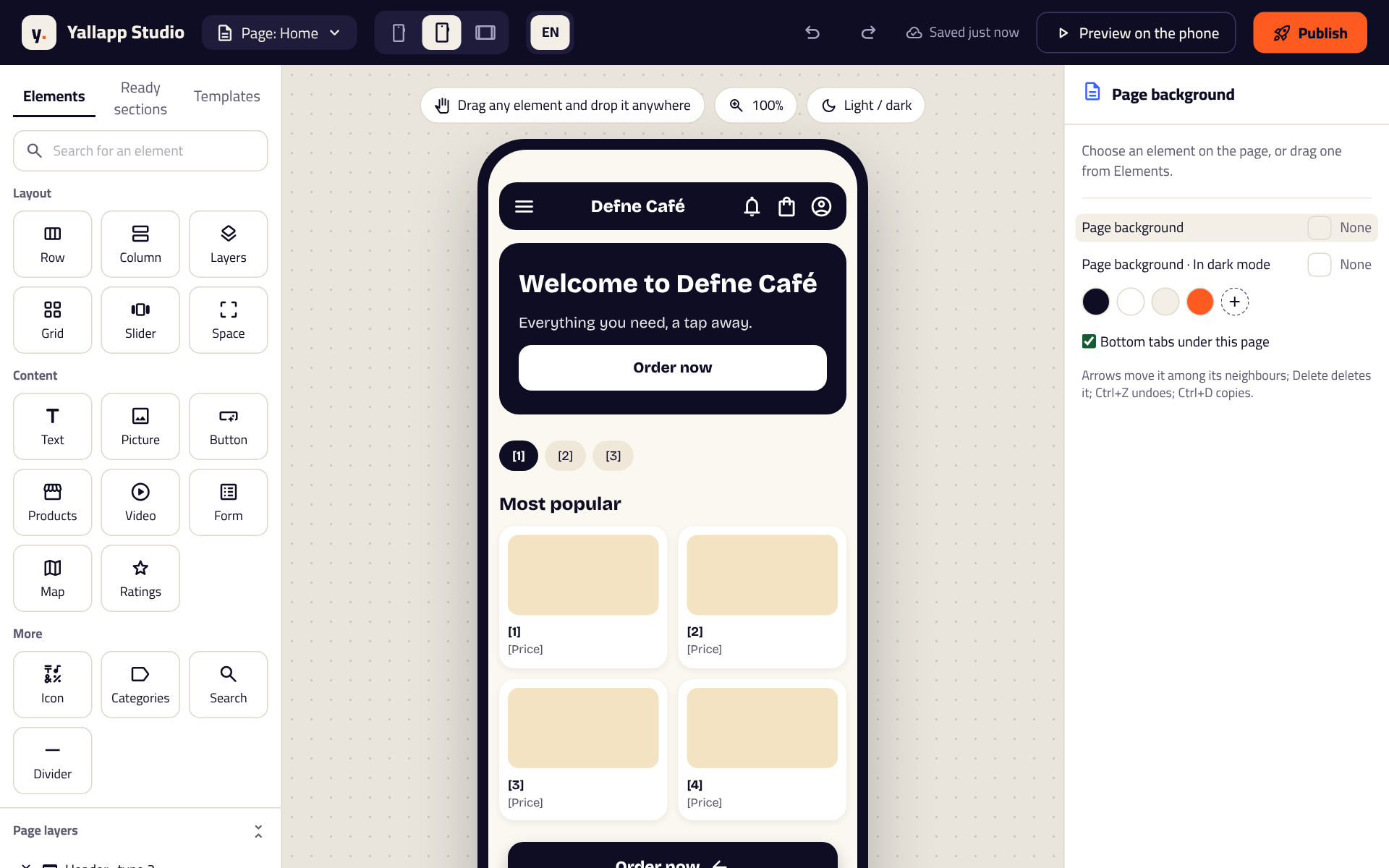
Choose Open the editor. The page sits in the phone in the middle; Elements, Ready sections, Templates and Page layers are on one side, and the chosen element's settings on the other.
- Elements: Row, Column, Layers, Grid, Slider and Space to lay the page out; Text, Picture, Button, Icon and Divider; a List of your products, courses, services or other entries, in a card you design; Categories, Video, Form, Map, Ratings and Search. Drag any element and drop it anywhere.
- Size and place: each element can Fill the space, Hug its content or take a Fixed size, with space inside, space outside and space between.
- Colours: a background, a gradient or a picture behind it, and a text colour, each with its own colour In dark mode. Fonts, corners, shadows and borders too.
- Motion: what happens When it shows (fade in, slide or grow), While tapped (shrink or bounce) and Again and again (pulse, float or shake). Phones set to reduce motion show it still.
- When the customer taps: open a screen of the app, a page, a web address or one entry.
- Shows on Android, iOS or both, and Who sees it: everyone, people signed in, or people not signed in.
Check the page on a small phone, a large phone and a tablet, in light and dark. Undo and Redo go back and forward, and the page is saved as you go. Preview on the phone lets you try it on your phone; Publish sends it to your app, which shows it the next time it opens. Save the page as my own template keeps it in My templates for your other pages.
Delivery companies
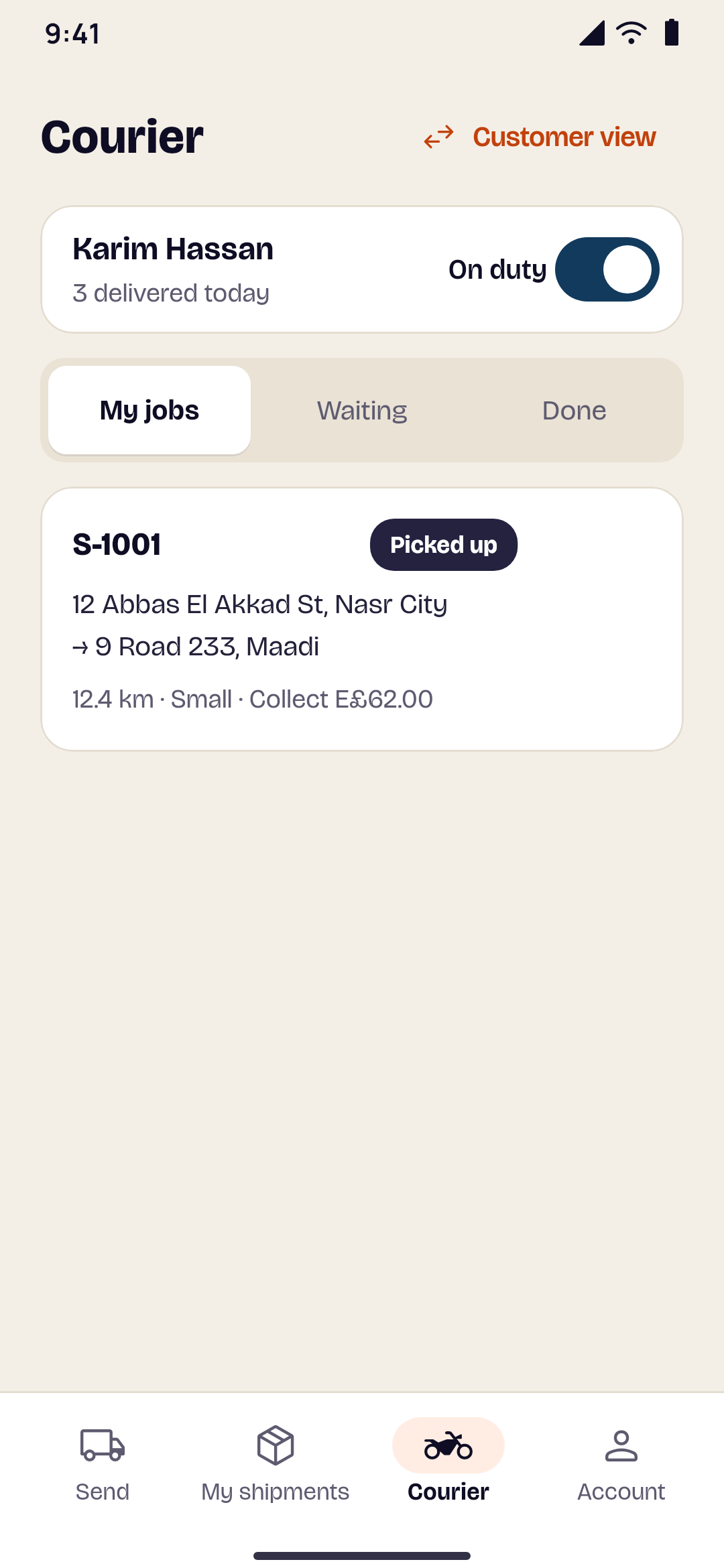
A delivery company's project is made in Studio only. Customers send a parcel with its pickup and drop-off, see the price as they type, pay in cash or by card through your own payment account, and follow it stage by stage or on a live map. Your couriers work in their own app in your name, with their jobs, or in Yallapp Courier, Yallapp's own app for couriers: you choose which on Delivery settings, under Where your couriers work. Your customers' app never shows the courier's screens. The same goes for ride and taxi companies' drivers. With an app of their own, Builds & downloads and the setup show both apps, each with its own builds, store listing and notes for the reviewers. See Yallapp Courier for your couriers.
In the project's dashboard, set your prices and how customers pay on Delivery settings, add your couriers on Couriers, and follow every shipment on Shipments.
Rides and taxis
Riders choose where to go from their position, a maps link or the map, now or for later, pick a vehicle type with its fare and follow the driver coming to them, with the car and a code; they can share the ride and have an emergency button. A live taxi project shows the taxis around on a full-screen map. Drivers go online in their own app in your name, take one offer at a time, follow each ride's stages, collect the cash and see their earnings. In the dashboard, set the vehicle types, fares and areas, approve drivers and their documents, and follow the rides and your statements.
Academies with many teachers
An academy whose courses come from several teachers. Teachers have their own tab in the app for their profile, courses and lessons; a course they send is published once you've reviewed it, or returned with your note. Students find the teachers, follow and rate them, and can apply to teach. You set each teacher's share and see the statements for any period. Several courses can be sold together as a bundle.
Schools and universities
A school's app for students, parents, teachers and staff, each seeing their own part: the timetable, homework, grades, attendance, exams, the calendar and announcements. Parents have a Parent tab for each of their children, with the fees. Students, teachers and staff check in at the gate with a code on the school's screen; teachers and staff ask for leave; the school runs its bus routes and its library in the app, and allows messages between teachers and families if it wants to. Salaries are recorded by hand, as paid in cash or by bank transfer, with a payslip for each person each month. A school project in university mode adds faculties, departments, programs, course registration each term, and results with the GPA.
Studio's plans
Every Studio plan has the Studio editor, push notifications, card payments through your own payment account, offline downloads, automatic rebuilds, chat, loyalty points, and courses and memberships sold through the app stores. The iOS app, publishing for you, delivery and couriers, a second app for couriers, motion, templates and the number of Studio pages in a project are chosen plan by plan.
See Studio's plans on the pricing page and on Yallapp Studio. When they say On request, message us on WhatsApp and we'll suggest the plan that fits your project.
The Studio demo shows screens from real Studio projects, drawn by the app itself.